Weblock Quick Start
For Parents - Get started in 5 minutes!
For Parents
Monitor and control your child's browsing activity.
Quick Setup
1 Choose "Parent's Device"
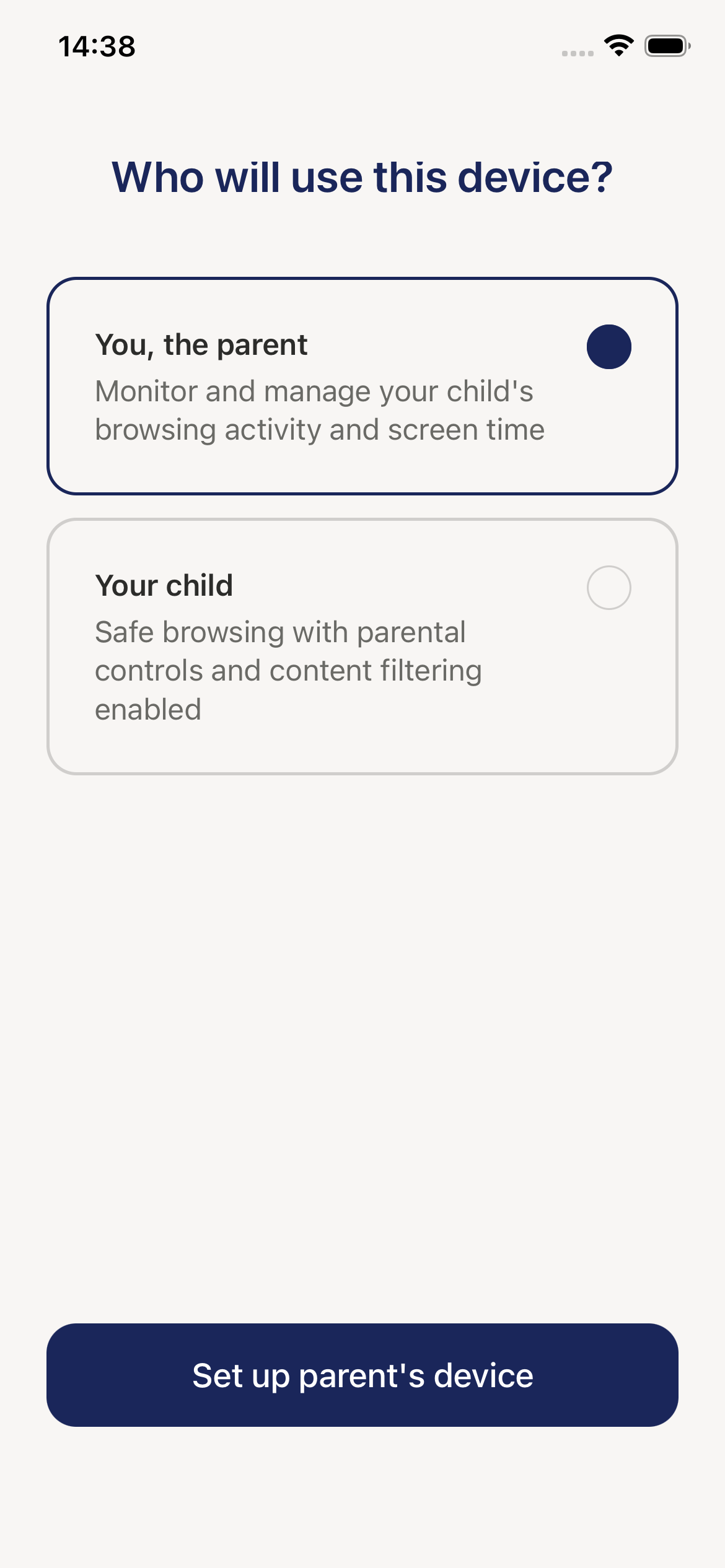
When you first open Weblock, tap "Parent's device" button.
2 Scan Child's QR Code
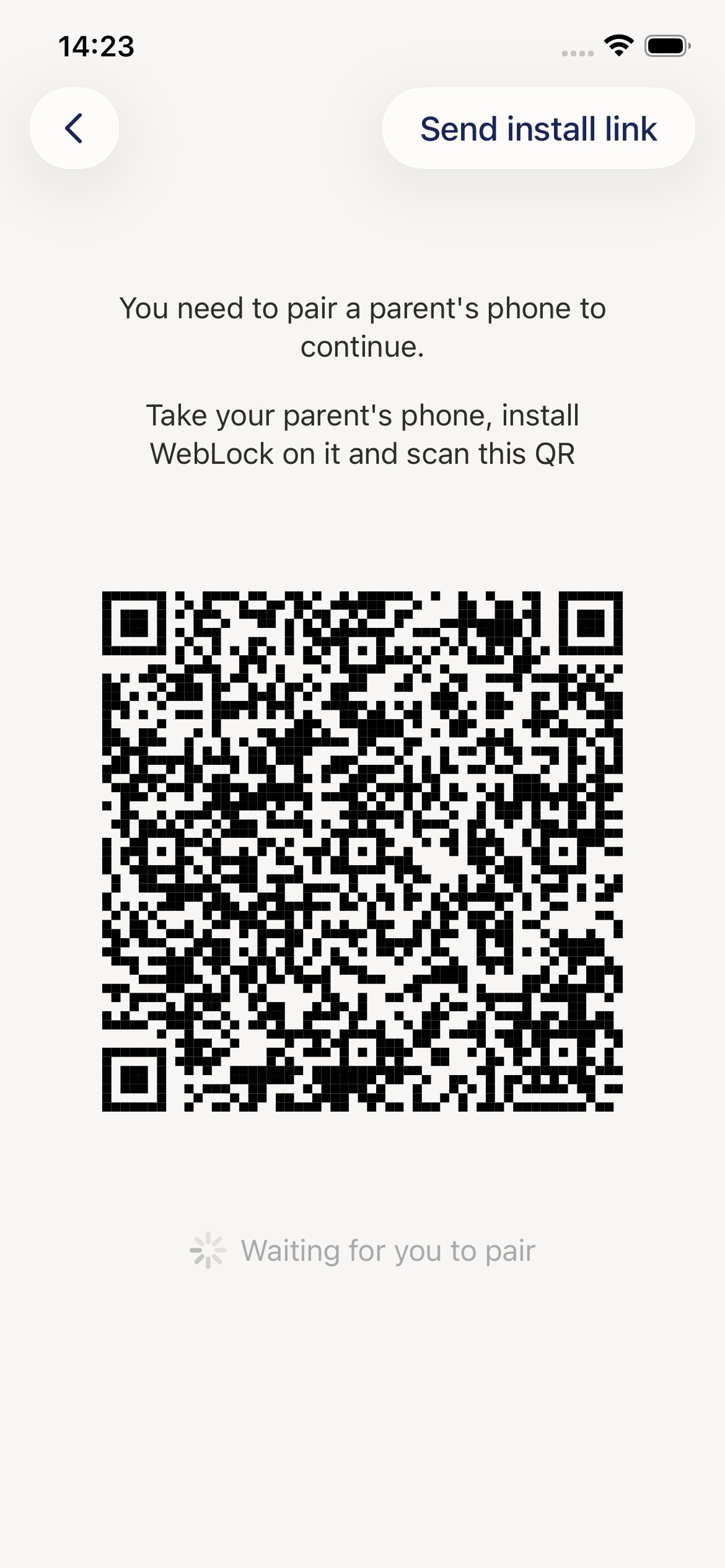
- Your child's device shows a QR code
- Use your camera to scan it
- Wait for confirmation
- Subscribe to activate (required)
Done! You can now monitor and control your child's browsing.
Main Features
Approve Tab - Handle Access Requests
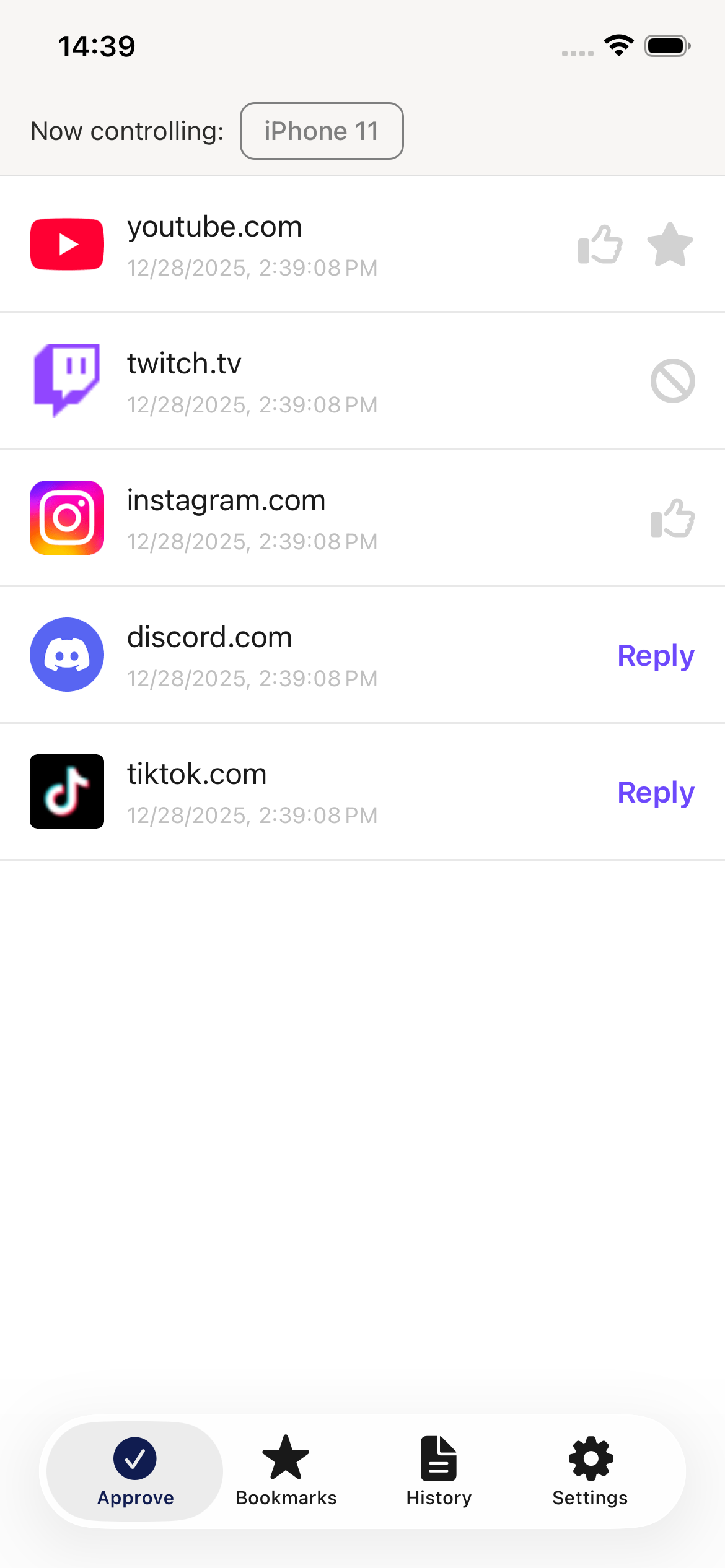
When your child requests access to a website:
- Tap the request or "Reply" button
- Choose an option:
- Approve - Permanent access
- Approve for... - Temporary (15min, 1hr, 3hrs, Today)
- Deny - Block the website
- Add as bookmark - Save to their bookmarks
Quick actions: Swipe right to approve, swipe left to deny.
Bookmarks Tab - Manage Safe Websites
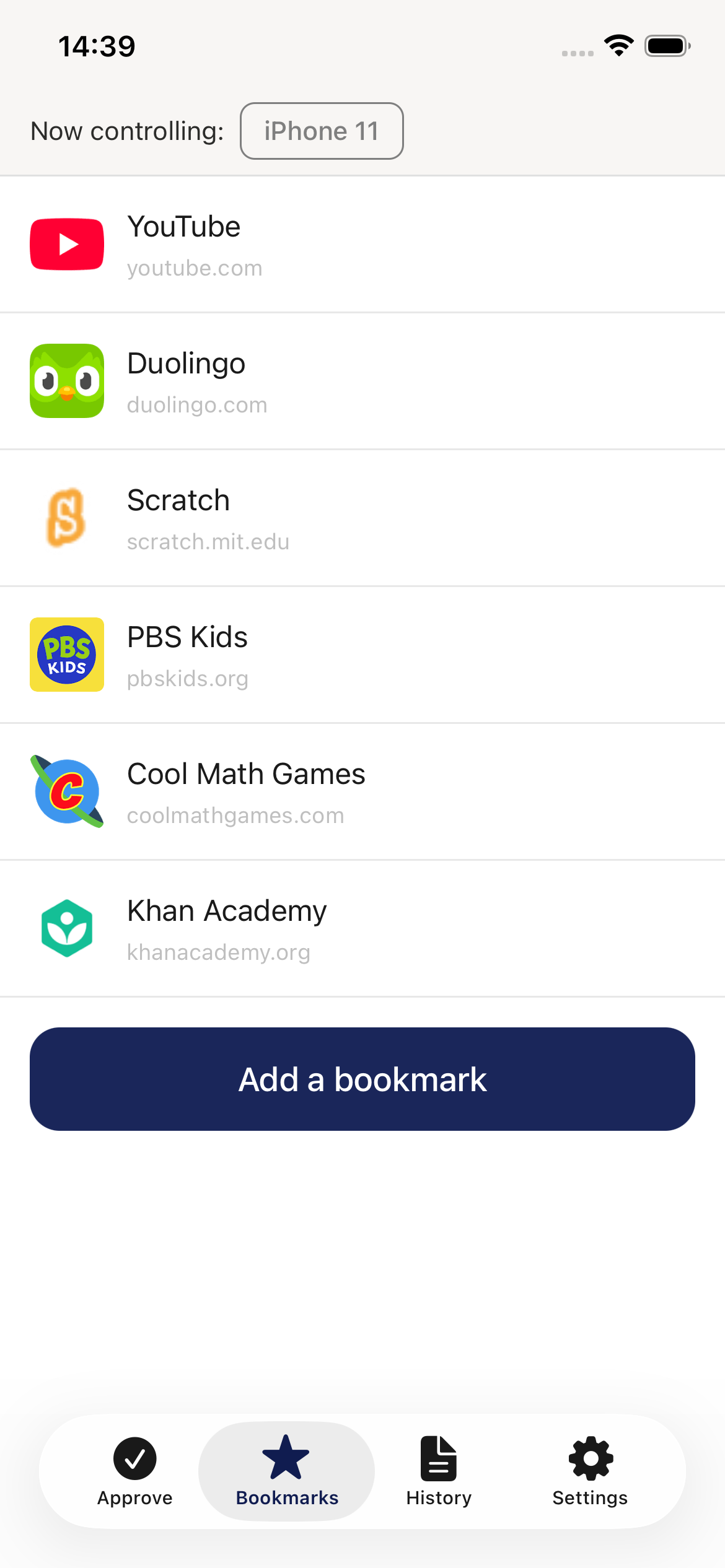
Add a bookmark:
- Tap "+ Add a bookmark" button
- Enter URL and title
- Tap "Save bookmark"
Edit: Long-press any bookmark
Delete: Swipe left on bookmark
Temporary approvals: Red countdown timer shows time remaining.
History Tab - View Browsing Activity
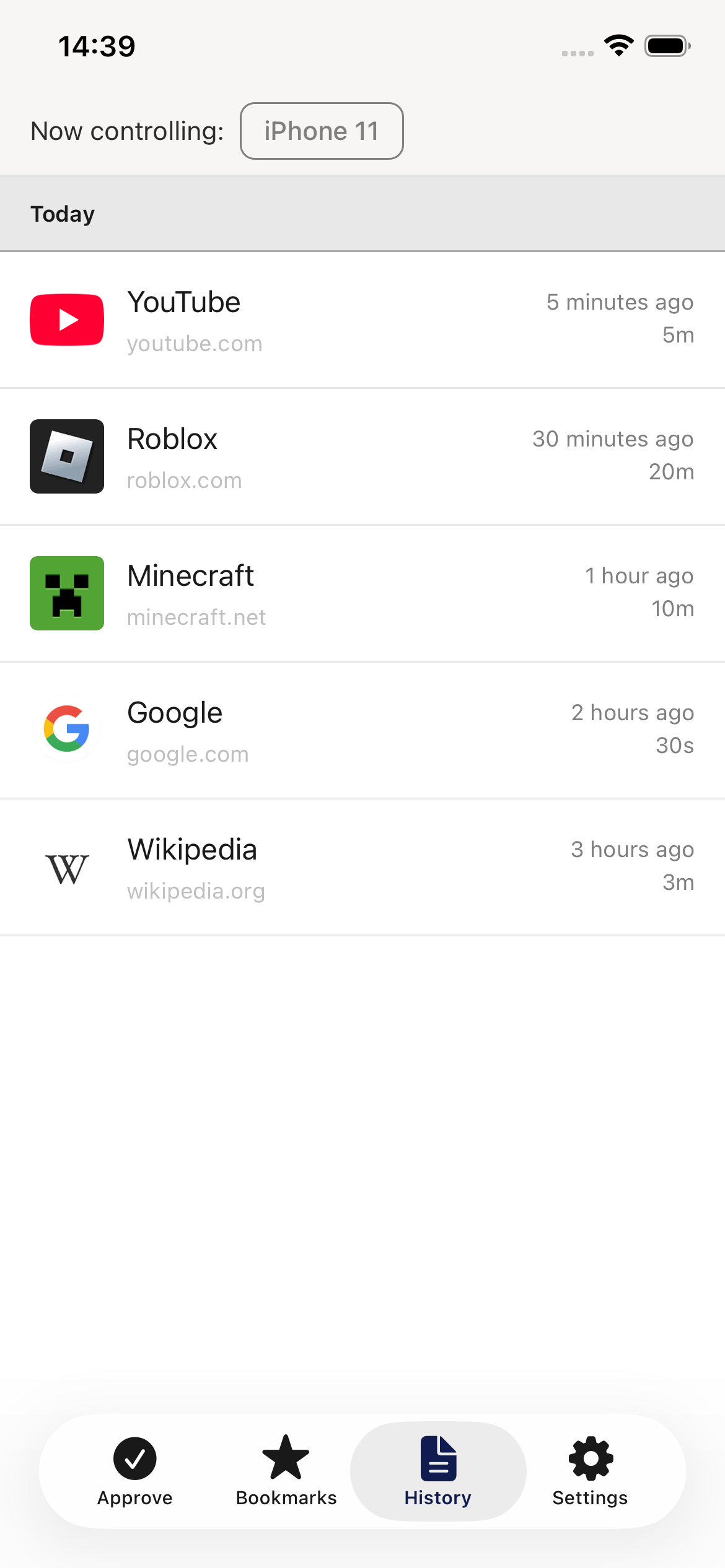
What you see:
- Every website visited (grouped by date)
- Time spent on each page
- Access status (approved, denied, pending)
Tap any item to preview the website.
Status indicators:
- Red ⛔ - Access denied
- Grey ⚪ - Pending approval
- Star ⭐ - Bookmarked
- Duration (e.g., "15m 10s") - Approved visit
Quick Tips
DO:
- Review requests promptly
- Approve legitimate sites quickly
- Check history regularly
- Discuss browsing with your child
DON'T:
- Block everything (be reasonable)
- Leave requests unanswered
- Ignore context before punishing
- Spy obsessively (respect privacy)
Approval Options Explained
| Option | Duration | Use When |
|---|---|---|
| Approve | Permanent | Safe educational sites |
| 15 minutes | 15 min | Quick homework research |
| 1 hour | 1 hr | School project |
| 3 hours | 3 hrs | Extended study session |
| Today | Until midnight | One-day access |
| Deny | Blocked | Inappropriate content |
Child Device Selector
Top of screen: "Now controlling: [Device Name]"
- Tap dropdown to switch between children
- Each child has separate history/bookmarks
Need More Help?
See the Complete Parent's Guide for detailed instructions on:
- Settings and account management
- Understanding temporary approvals
- Privacy best practices
- Troubleshooting